
How to download Instagram Reels and posts
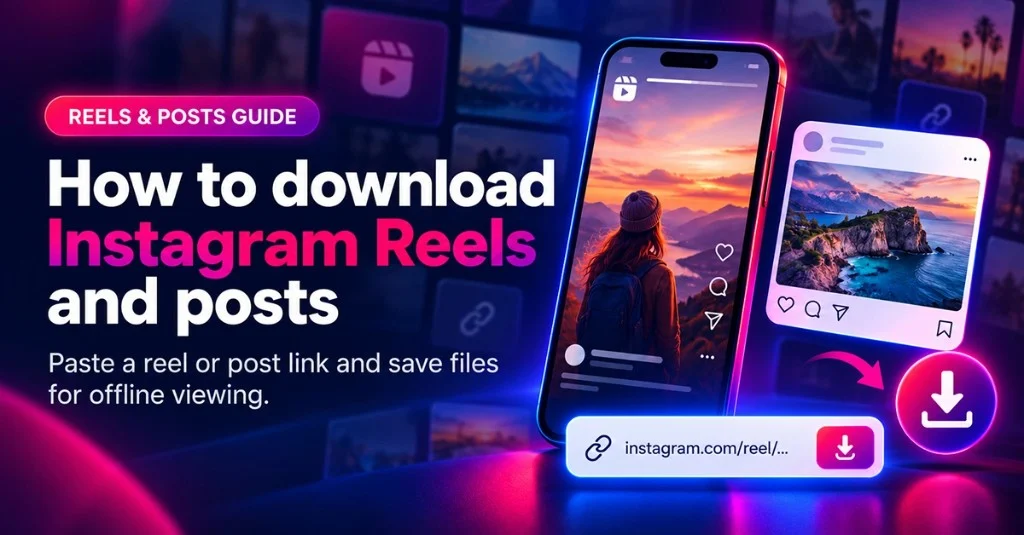
Instagram Reels are the short vertical videos. That also called as shorts. And the feed post that have the photos, multi-images(carousels) and some time long clips. Peoples posts there content and later on they want a personal offline copy so that they have a backup of data if in future they lost the account or it is blocked. Other people can use it to download content so that they can access when they not have internet connection like in travel or trip then at that time it is useful to watch the content in offline mode. Our IRD Downloader website provide the Insta Reels Downloader and Photo Downloader tools where you just paste the public post/reel url and it show that post and then with just on click you can download it easily.
What you need before you start
Go to instagram app or open the insta on the desktop. then go to the reel, post which one you want to save for offline purpose use. On the app there is a share button, Just click on it and there is the option of Copy Link. If you are on the browser then from the browser URL from there select the link and copy it. Then open our website into any browser like Chrome, Safari, Firefox, Edge on mobile or desktop and then paste the link into the home page. Also there is a paste button so just click on it and the copied link it automatically added into the box.
If you are downloading a reel or post then the link will be contains /p/ or /p/ so make sure that you copied the correct link. And also just make sure that donot add any space or word etc into the textbox. And then just click on download and it will show you the post/reel preview. From that double check that you are on the exact path. Then just click on Download button and in 4-5 seconds it will start the downloading with your browser download path. This is simple and straight forward step.
On our each tool page we also show the steps with proper screenshots so that also you can follow it out.
Tips for better results
Always try that reel or video links that are publically available. If any reel that is deleted or that person account is blocked then that reel ofcourse you can't download. And same like if any insta profile link you give that also if that is blocked, private, or removed then that also not work. For download audio music only use our Insta Audio Downloader tool that will give you the file in MP3 format.
Where the file saved
Our websie use your browser's normal download bar. It saved into the Downloads folder or which path you set into your browser settings. On a laptop, check the Downloads folder; on mobile, check Files / Downloads or the browser’s download list. You can cancel the file downloading also. Once finished then you can play it to your media player and enjoy it.
Responsible use
Only keep reels and posts you created or have permission to save. Do not redistribute or share to someone else. IRD Downloader is a convenience interface for personal offline copies to make. If you need audio instead, see how to download audio MP3.
Related tools and next reads
- Reel downloader — Dedicated landing page for this flow
- Photo downloader — For Posts and Carousels
- Audio downloader — Extract MP3 audio music
- FAQ — For About Questions Doubt